
About
What is SlenderAAC:
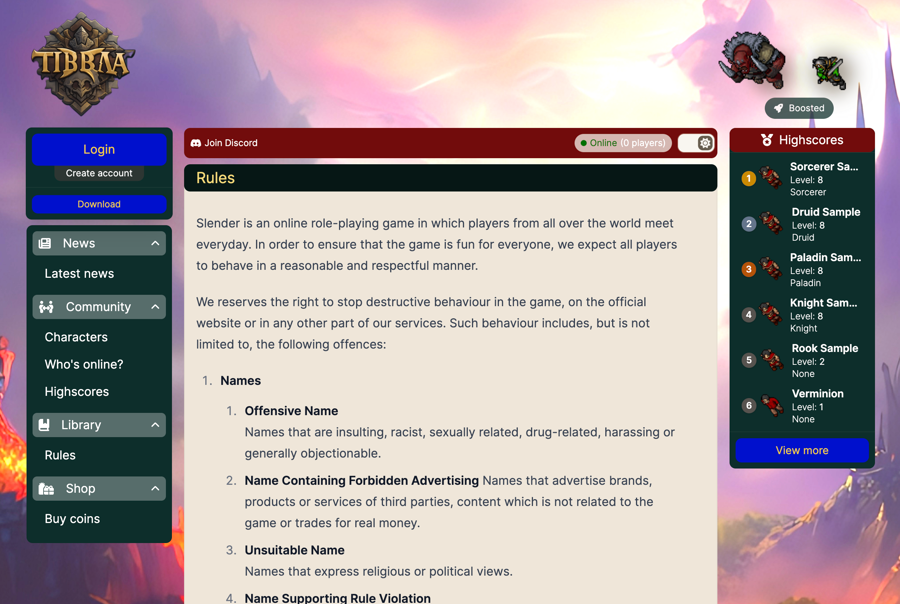
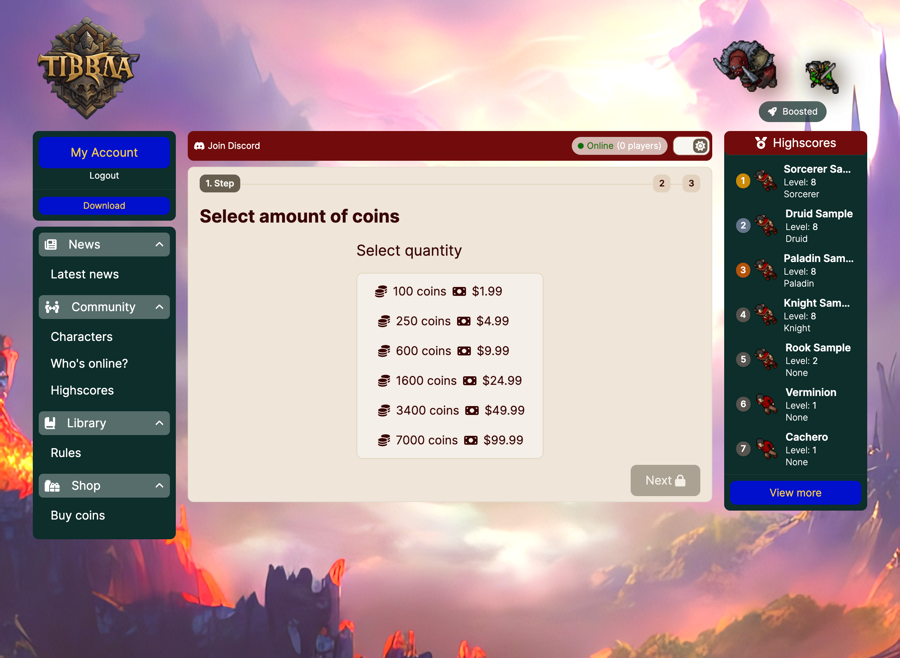
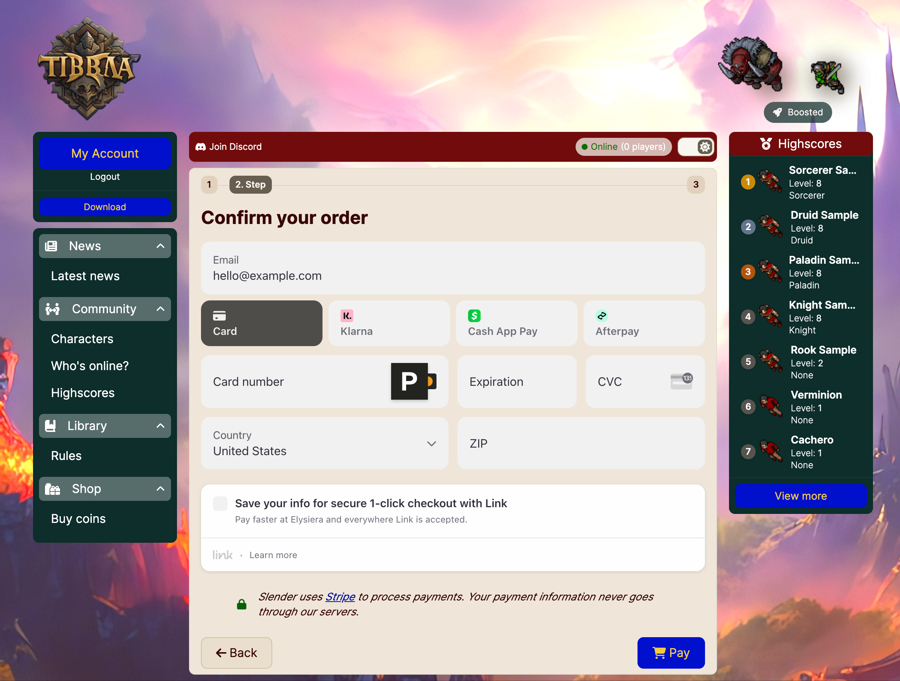
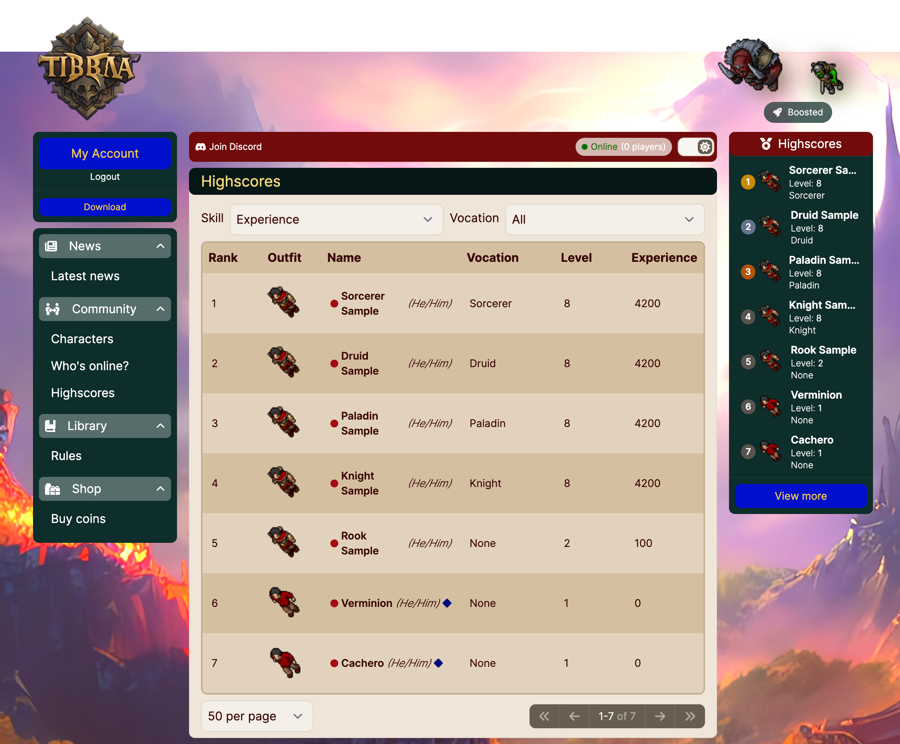
This project is a website for the Canary project. The main goal is to use modern technology to have something that is easy to maintain and extend. It is also meant to be efficient, secure and easy to deploy.
Github:
Getting Started - Windows:
Getting Started
Requirements
Installation
Clone this repository and install the dependencies:
git clone https://github.com/luan/slenderaac.git
cd slenderaac
pnpm install
cp .env.dist .env
Edit
.envwith your server and desired settings, example:
DATABASE_URL="mysql://root:root@localhost:3306/canary"

PUBLIC_BASE_URL="http://127.0.0.1"

PUBLIC_TITLE="Slender AAC"
PUBLIC_DISCORD_URL="https://discord.gg/"
PUBLIC_DOWNLOAD_URL="https://github.com/dudantas/tibia-client/releases"
PUBLIC_SUPPORT_EMAIL="hi@localhost"

PUBLIC_ENABLE_PRONOUNS=false

SERVER_ADDRESS="127.0.0.1"
SERVER_PORT=7172
SERVER_NAME="Slender"
SERVER_LOCATION="USA"
PVP_TYPE="no-pvp"

PUBLIC_STRIPE_KEY=pk_test_...
SECRET_STRIPE_KEY=sk_test_...
STRIPE_WEBHOOK_SECRET=

NO_REPLY_EMAIL="SlenderAAC (no-reply) <no-reply@localhost>"
SMTP_SERVER=smtp-relay.sendinblue.com
SMTP_PORT=587
SMTP_USER=your-user
SMTP_PASSWORD=your-password
EMAIL_BACKGROUND_COLOR="#eee6d9"
EMAIL_BUTTON_COLOR="#0010cd"
EMAIL_BUTTON_TEXT="#f4ca41"

AUTO_ADMIN_EMAIL="admin@localhost"
REQUIRE_EMAIL_CONFIRMATION_TO_LOGIN=false

# If you have an existing database with passwords hashed with SHA1, set this to true
# New passwords will be hashed with bcrypt, but old passwords will still be able to log in
ALLOW_LEGACY_SHA1_PASSWORDS=true

# If you can't use a version of Canary that supports sessions, set this to true
DEPRECATED_USE_SHA1_PASSWORDS=false

GAME_SESSION_EXPIRATION_TIME=24h

MINIMOUM_GUILD_LEVEL=8

FREE_PREMIUM=true
PUBLIC_TUTORIAL_ENABLED=false

SERVER_SAVE_TIME=00:00:00
Then migrate the database using the command below. Note that this assumes your current database already has the
canaryschema imported.
pnpm migrate:resolve
pnpm migrate
pnpm generateRunning
At this point you should be ready to run the server:
pnpm dev --host 127.0.0.1 --port 80Access http://127.0.0.1 or http://domain-or-ip to load SlenderAAC.
Deployment - Linux:
Deployment
Deployment depends highly on your server setup. Assuming you are on a Linux dedicated server or VPS. You need the following:
As well as a database compatible with canary. You can use either MySQL or MariaDB.
Installation
sudo apt update
curl -fsSL https://deb.nodesource.com/setup_20.x | sudo -E bash - && sudo apt install -y nodejs
sudo npm install -g pnpm
sudo apt install -y nginx
Clone this repository and install the dependencies:
git clone https://github.com/luan/slenderaac.git
cd slenderaac
pnpm install
cp .env.dist .envNginx
We're just using Nginx as a reverse proxy. You can use any other web server that supports reverse proxying if you'd like. The Nginx configuration is as follows (adjust port and domain as needed if you're not using the defaults):
server {
        listen 80 default_server;
        listen [::]:80 default_server;
        server_name _;

        location / {
                   proxy_pass http://127.0.0.1:3000;
                   proxy_http_version 1.1;
                   proxy_set_header Upgrade $http_upgrade;
                   proxy_set_header Connection 'upgrade';
                   proxy_set_header Host $host;
                   proxy_cache_bypass $http_upgrade;
       }
}Building
Because we're now in a production environment, we need to build the project. This will generate the static files that will be served by the nodejs server. This is a one time step, you only need to do this again if you change /update the code.
pnpm generate
pnpm buildMigrating the database
At this point you should be ready to migrate the database. This will create the necessary tables and columns. Note that this assumes your current database already has the canary schema imported.
pnpm migrate:resolve
pnpm migrateRunning
Finally, we need to run the server, this will run on port 3000 by defaul, which is what we configured Nginx to proxy to.
NODE_ENV=production node -r dotenv/config buildClient Config:
Using your favorite method to edit the client (see this tutorial for help). Set the login webservice url to http://127.0.0.1/api/login (or your appropriate server URL). This will make the client use the AAC to login.
How to Connect with SlenderAAC:
Canary
Client 14:
Edit the client and change the IP like in a example below:
http://127.0.0.1/api/login
http://domain-or-ip/api/login
OTClient Redemption:
Login with account @god/god or your own account email and password;
Server: http://127.0.0.1/api/login or your http://domain-or-ip/api/login;
Client Version: 1412;
Port: 80.
Animated Outfits:
You'll need to download the spritesheet from here and place it in
outfits_anim. These assets are not included in the repository because they can cause the repo to bloat, and are also not release under the same license as the code
Game Store Assets:
Anything you put into the
staticfolder in this repo will be served by the server. This is useful for storing assets for the game store. For example, you can put astatic/images/storefolder and then reference the images in the store using/images/store/my-image.png. For instance, you can use the store assets made available in the canary docs
Images:
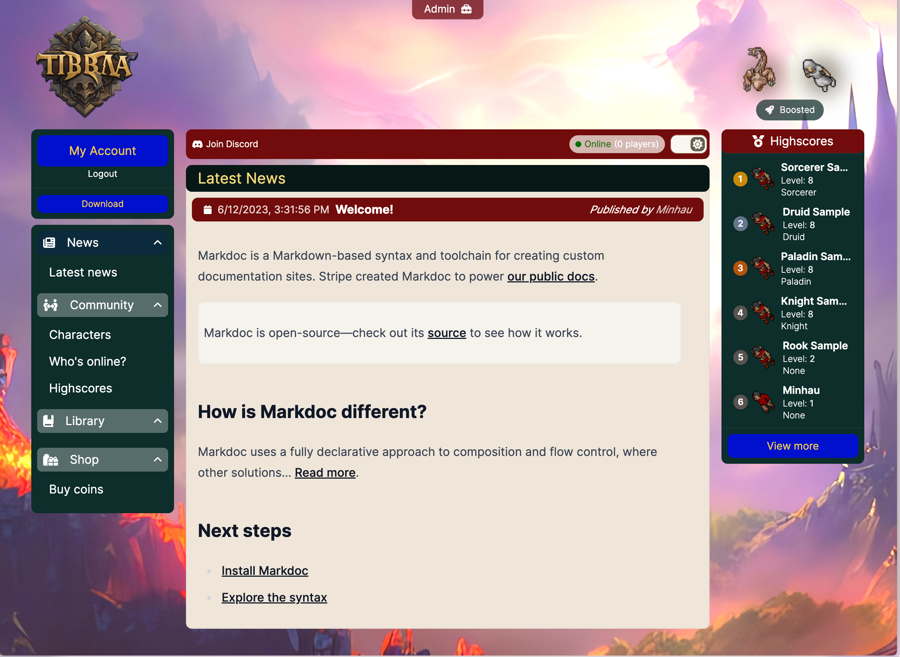
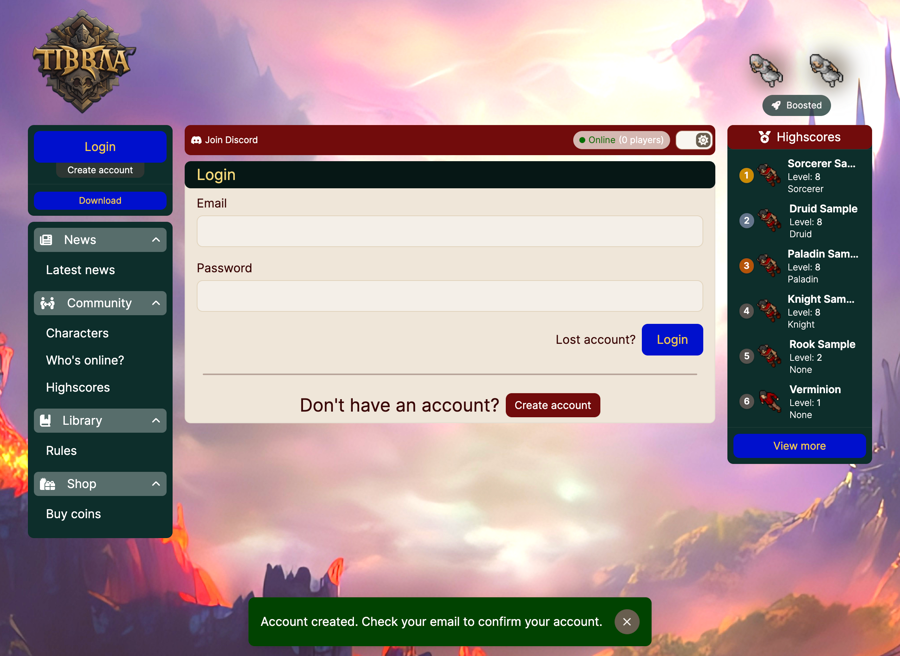
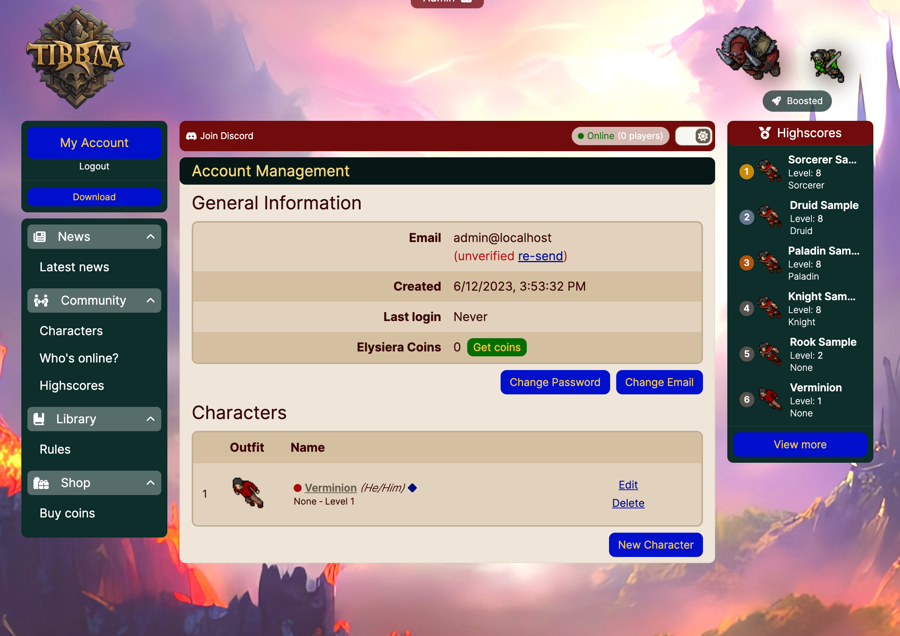
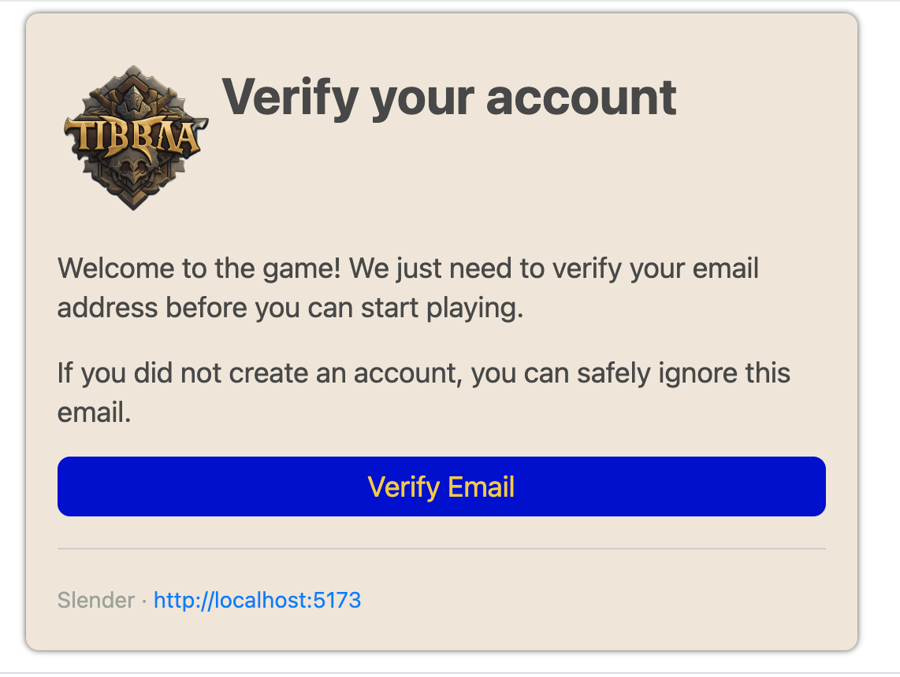
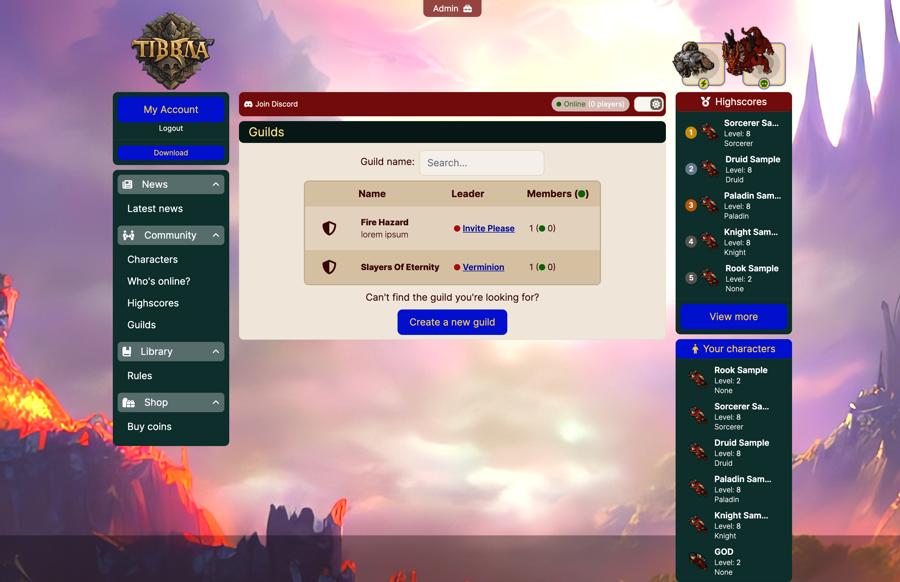
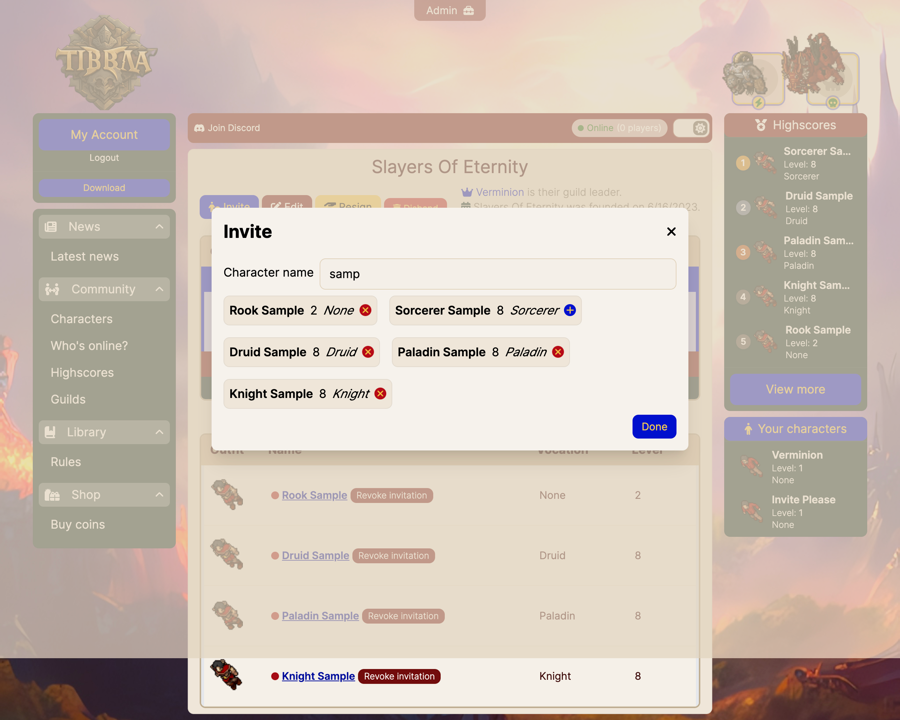
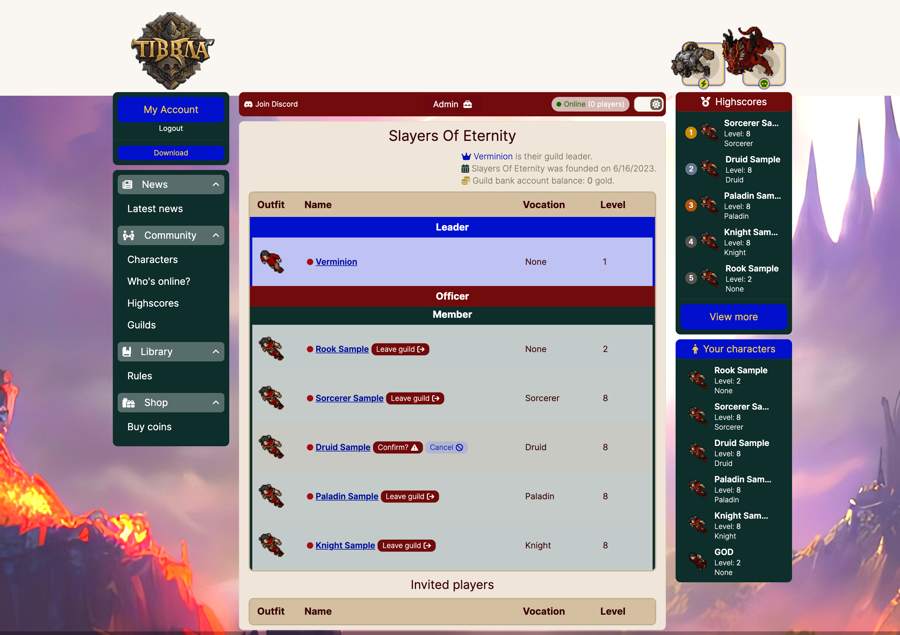
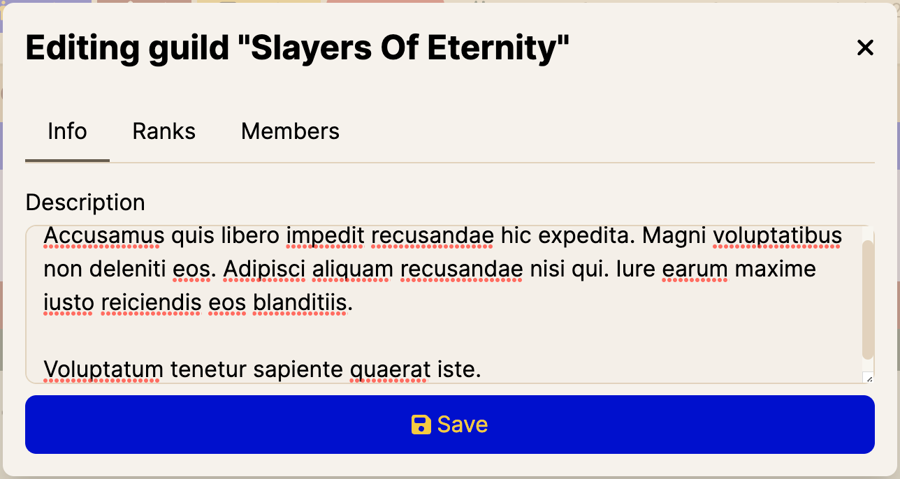
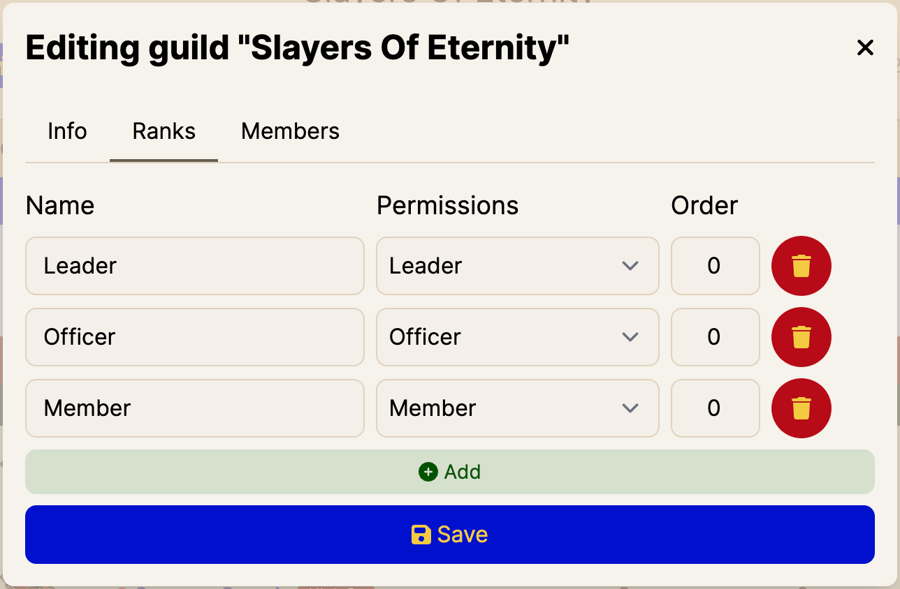
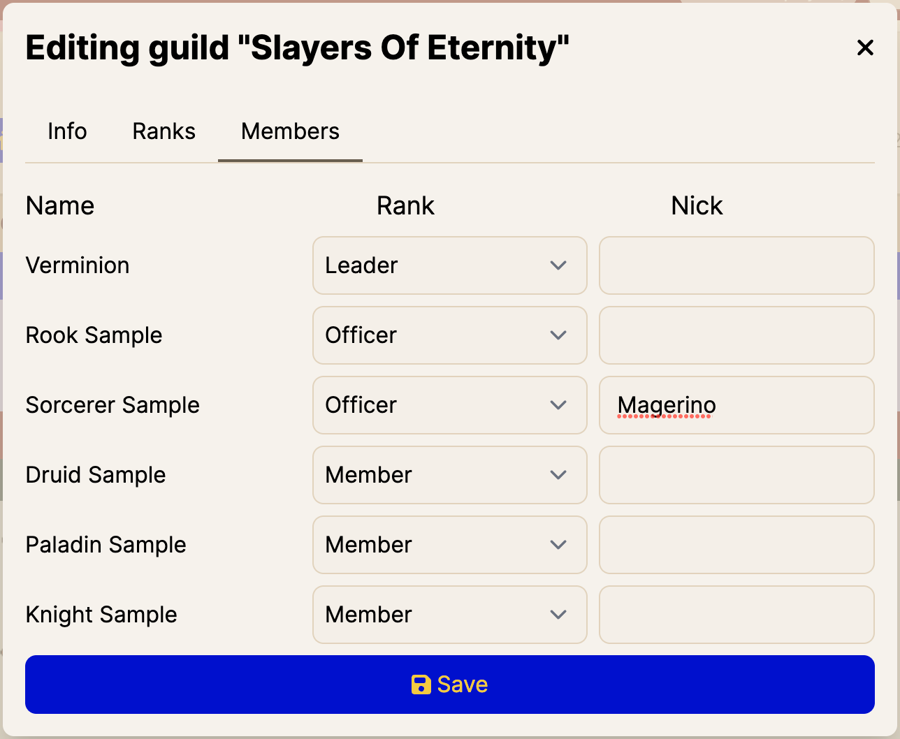
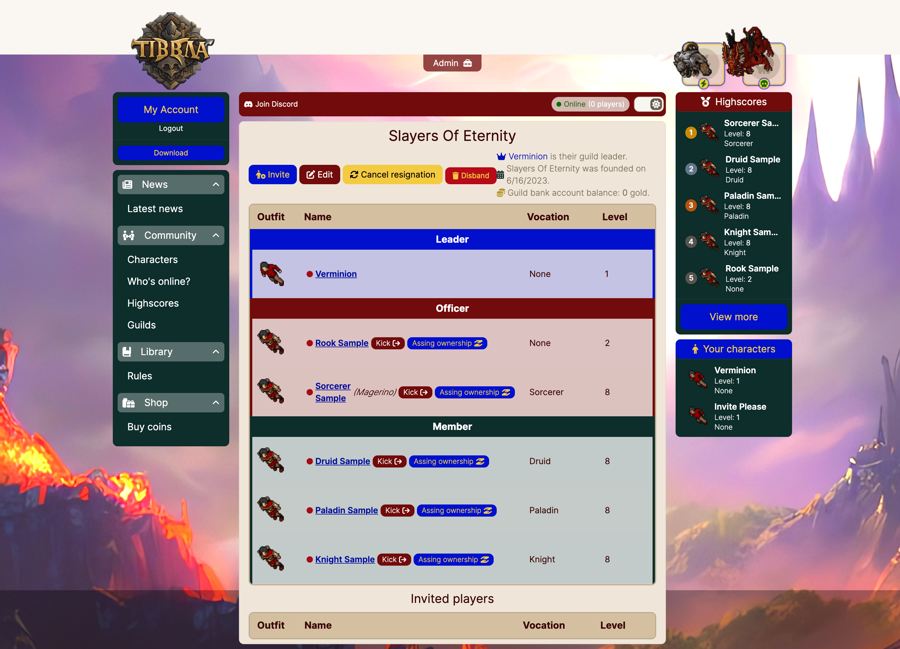
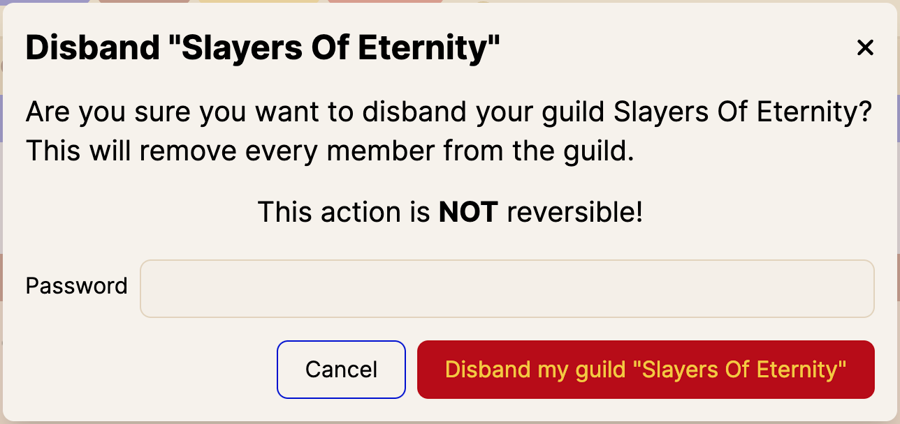
Tech Stack:
Contributing:
Contributions are welcome! Please open an issue or pull request. Be sure to post screenshots and logs of any issues you're having.
License:
MIT
Last updated